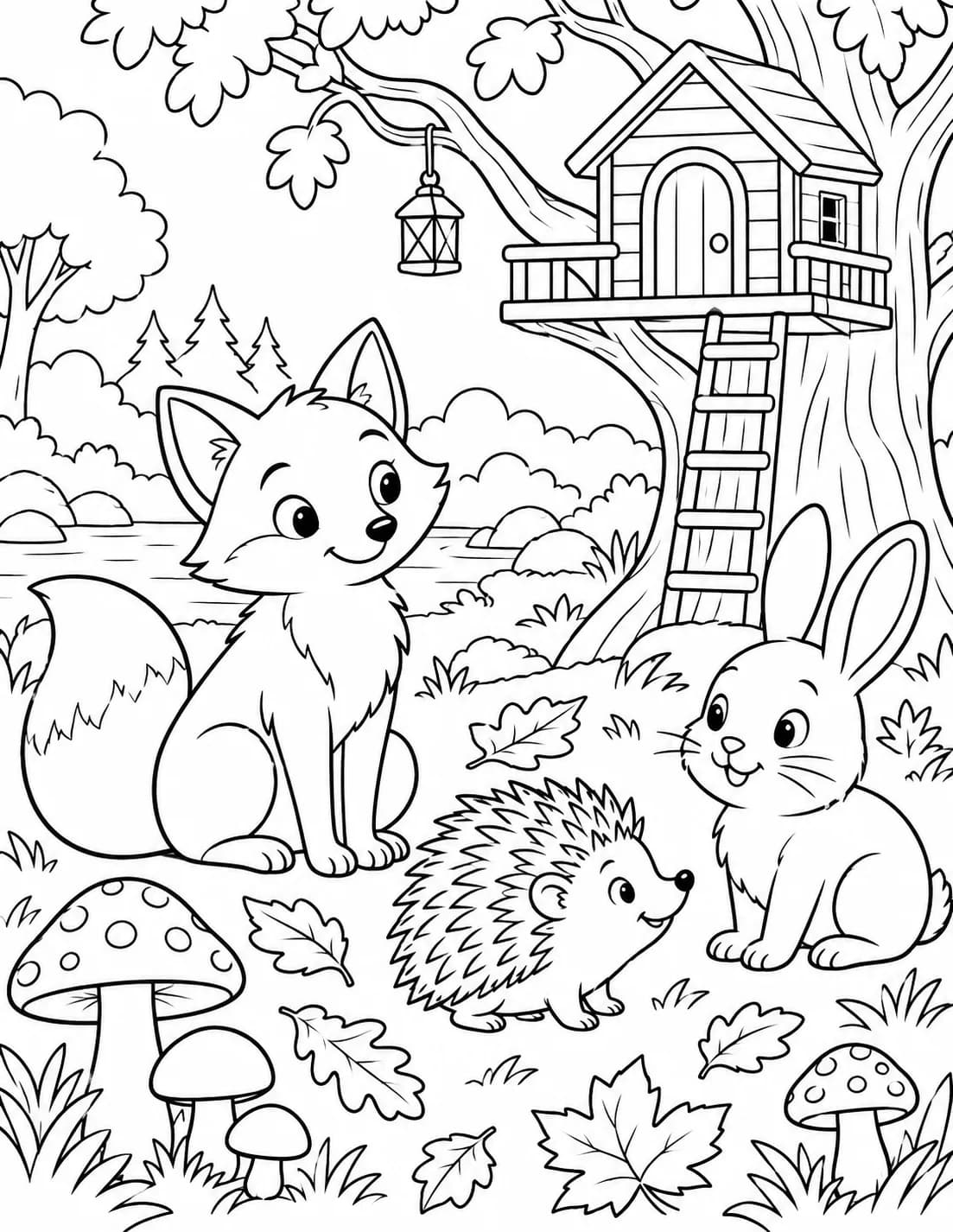
Fox in the forest
Adapt this example to your own subject.
“Create a coloring page of a friendly fox in a forest. Use bold black outlines, large enclosed areas and a white background. No grey tones, shading, text or tiny details.”
Create an image directly from your idea
Create a printable colouring page with closed outlines, clear areas and age-appropriate detail.
Zunik AI
Describe your idea. You can refine the prompt before creating the image.
3 free credits · no card required
Ideas for your image
Use a template as a starting point or describe freely what you want to change.
Adapt this example to your own subject.
“Create a coloring page of a friendly fox in a forest. Use bold black outlines, large enclosed areas and a white background. No grey tones, shading, text or tiny details.”
Large areas for children and easy printing.
“Create a simple printable colouring page with an excavator, tractor and fire engine in a friendly construction scene, clear thick outlines, few tiny details, no shading and no text.”
Magical detail with easy-to-colour areas.
“Create a printable colouring page with a friendly dragon in front of a small castle and clouds, clean closed lines, easy-to-colour areas, white background, no shading and no text.”
How your Zun is made
Describe the subject, style and mood in your own words.
Specify light, perspective, colours or the intended use.
After sign-in, your prompt is prefilled. Review it and start when ready.
Describe the subject and desired detail level. Large enclosed areas and fewer elements work well for simple sheets; no starting photo is needed.
Are the spaces large enough to colour and the outlines clearly closed? Look for tiny gaps and unwanted shading. If the drawing is too intricate, ask for fewer details. In print preview, check that the whole image fits on the paper with a margin.
New accounts receive 3 free credits. Credit use depends on the selected function and quality and is shown before you start. See the pricing page for additional credits and subscriptions.