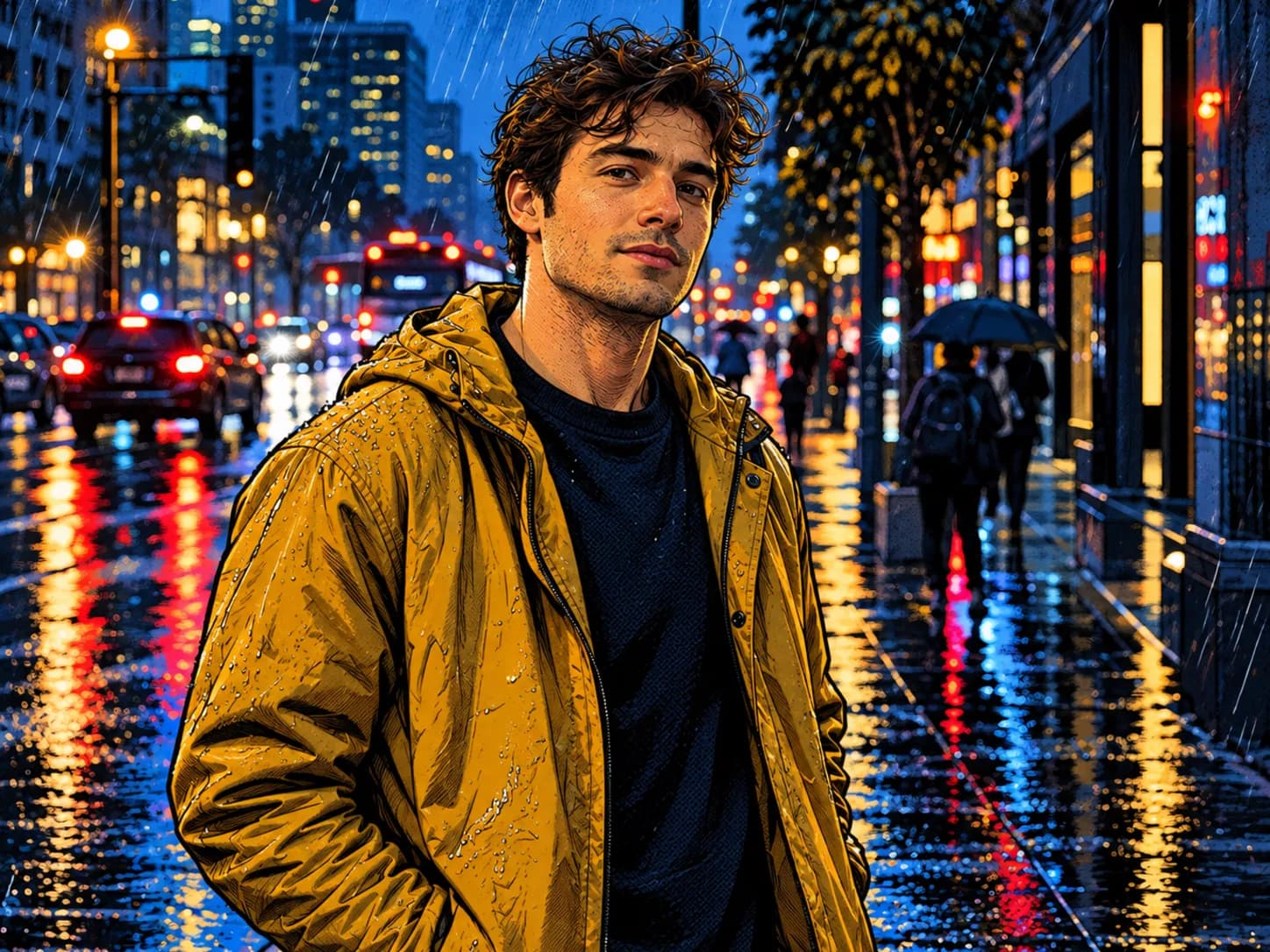
Comic portrait
Clean ink lines and bold colours.
“Turn my photo into a polished comic portrait with clean ink lines, bold colours and graphic shadows. Keep the face, hair and expression clearly recognisable.”
Edit photos simply and precisely
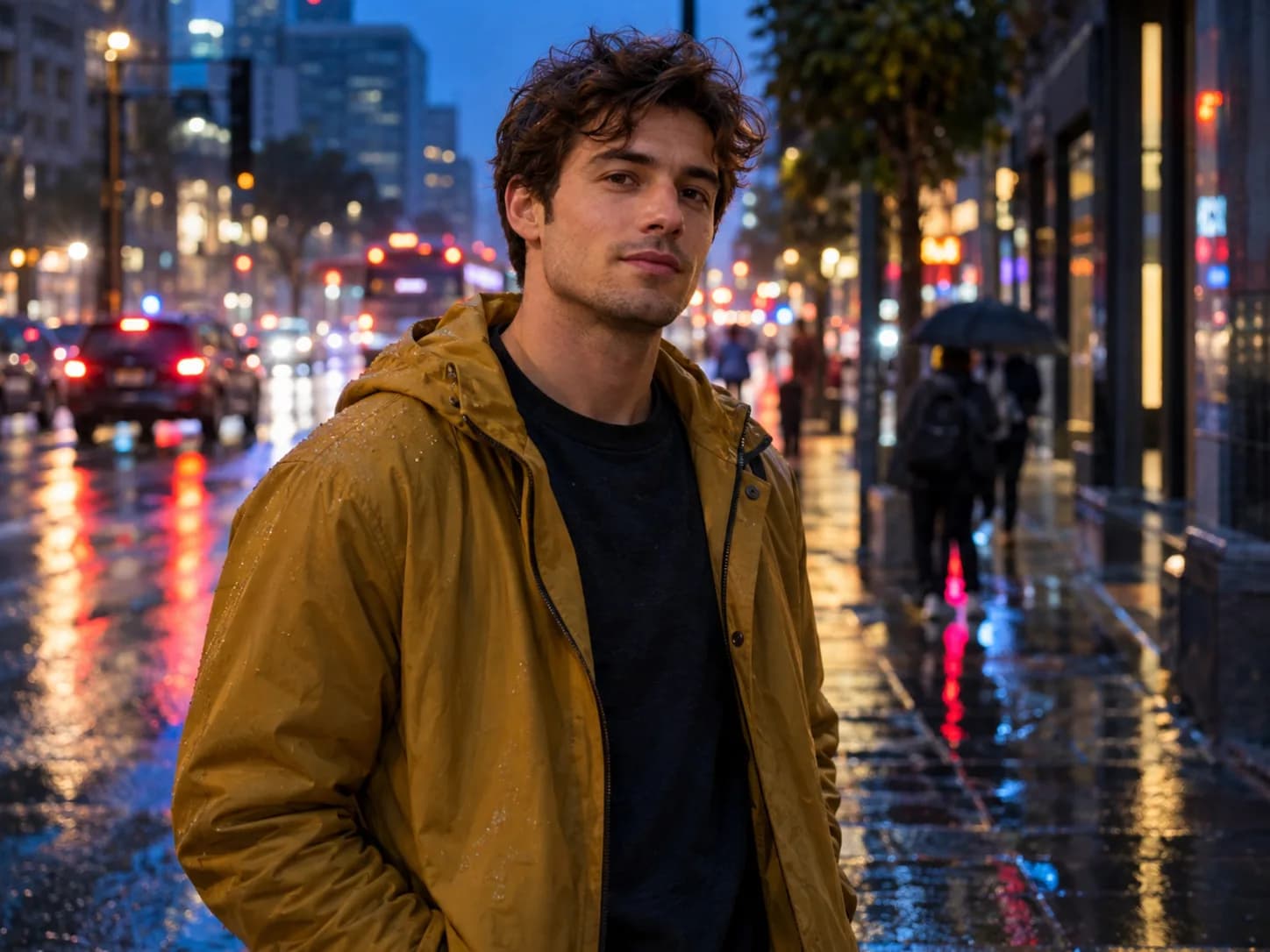
Turn your photo into an expressive comic image with clear outlines, bold colours and a preserved identity.
Zunik AI
Upload your image and describe the change. You can review everything before creating it.
Choose an image or drop it here
JPG, PNG or WebP · up to 20 MB
3 free credits · no card required
Ideas for your image
Use a template as a starting point or describe freely what you want to change.
Clean ink lines and bold colours.
“Turn my photo into a polished comic portrait with clean ink lines, bold colours and graphic shadows. Keep the face, hair and expression clearly recognisable.”
Friendly, modern and expressive.
“Turn my photo into a modern cartoon illustration with soft shapes, friendly colours and slightly exaggerated expression. Preserve identity, pose and defining features.”
Cinematic with dramatic lighting.
“Turn my photo into a cinematic graphic-novel scene with dramatic light, detailed hatching and a restrained colour palette. Keep the person and perspective clearly recognisable.”
How your Zun is made
Choose a well-lit photo taken from a clear perspective.
Use everyday language to explain how the result should look.
After sign-in, your image and prompt are prefilled. Review them and start when ready.