zunikAI

Create an image directly from your idea

Create a wedding invitation with AI

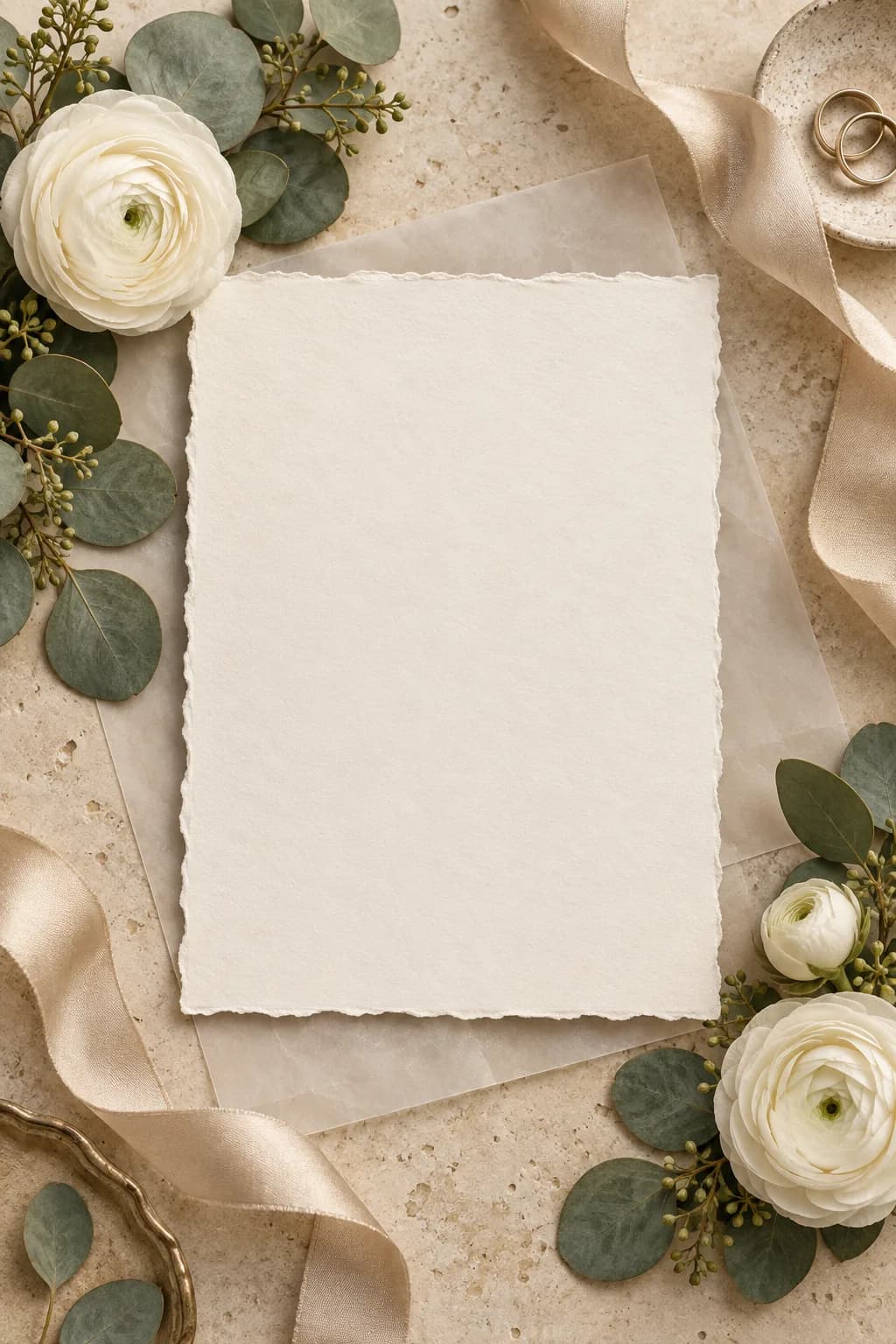
Create an elegant wedding visual that reflects the celebration’s colours and style, with space for names and date.

Try it3 free credits · no card required
Finished image created for Create a wedding invitation with AI

Zunik AI

Try your own idea

Describe your idea. You can refine the prompt before creating the image.

3 free credits · no card required

Ideas for your image

Ideas for your image

Use a template as a starting point or describe freely what you want to change.

01

Natural

A believable result with restrained details.

“Style: natural and restrained. Apply the requested change as a believable variation. Create a timeless wedding invitation with premium natural paper, white flowers, soft greenery and generous blank space, without text.”

02

Modern

Clean lines and a contemporary look.

“Style: modern and clean. Apply the requested change in a practical, realistic way. Create a timeless wedding invitation with premium natural paper, white flowers, soft greenery and generous blank space, without text.”

03

Warm

Inviting colours and soft natural light.

“Style: warm and inviting. Use believable materials and soft natural light. Create a timeless wedding invitation with premium natural paper, white flowers, soft greenery and generous blank space, without text.”

How your Zun is made

How your Zun is made

  1. 01

    Describe the idea

    Describe the subject, style and mood in your own words.

  2. 02

    Add useful detail

    Specify light, perspective, colours or the intended use.

  3. 03

    Start your Zun

    After sign-in, your prompt is prefilled. Review it and start when ready.

Make your idea visible

Start with 3 free credits and your own image.

Try it for free
Create a wedding invitation with AI · Zunik AI