Business flyer
A clear layout for an offer and contact details.
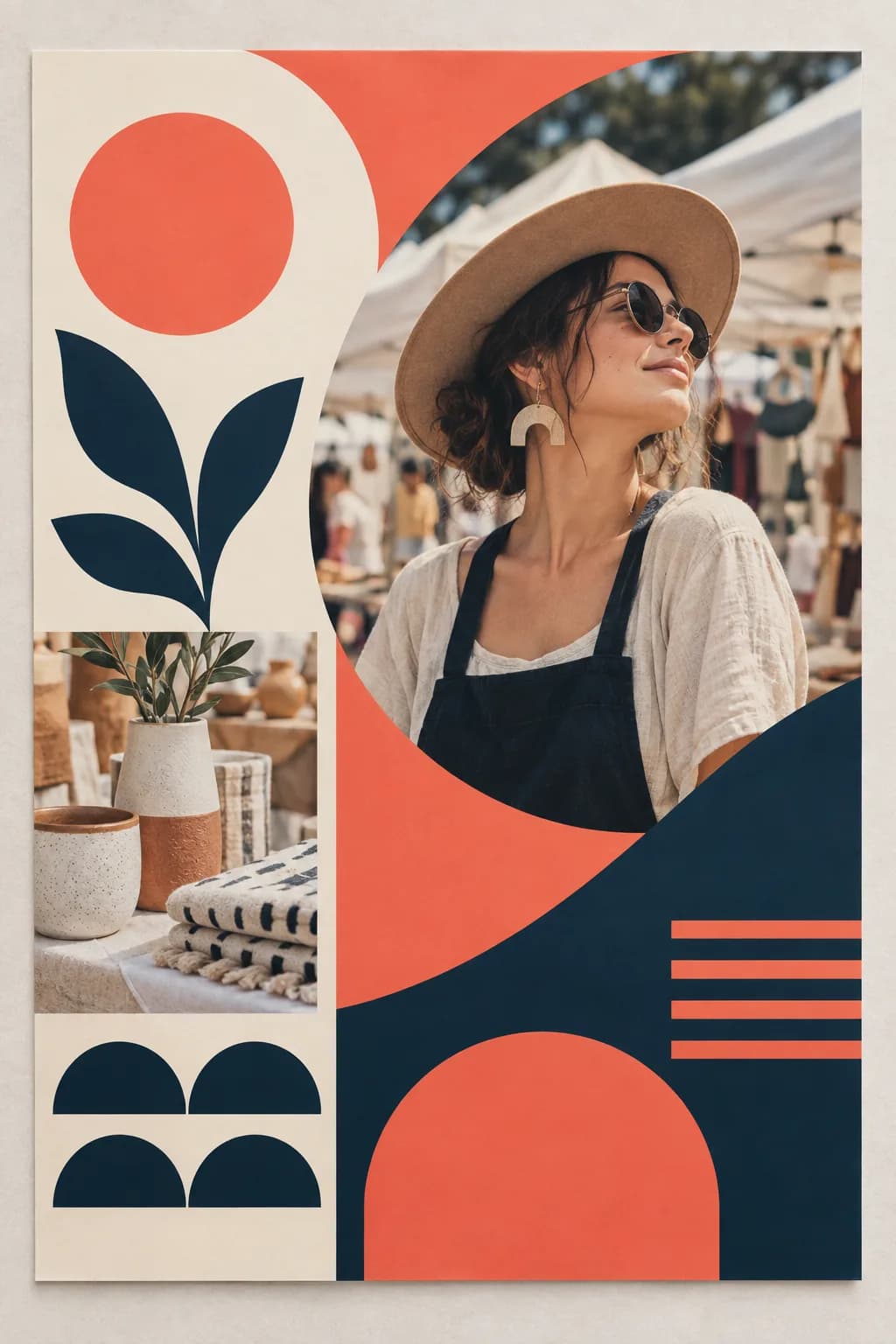
“Create a modern business flyer with a strong hero visual, professional colours and clear space for an offer, benefits and contact details, without text.”
Create an image directly from your idea
Create an attention-grabbing flyer visual with one clear focal point and enough space for your offer.
Zunik AI
Describe your idea. You can refine the prompt before creating the image.
3 free credits · no card required
Ideas for your image
Use a template as a starting point or describe freely what you want to change.
A clear layout for an offer and contact details.
“Create a modern business flyer with a strong hero visual, professional colours and clear space for an offer, benefits and contact details, without text.”
An appetising visual for a menu or promotion.
“Create a premium flyer visual for a modern restaurant with an appetising signature dish, warm atmosphere and calm space for menu, opening hours and reservations, without text.”
High-impact artwork for an offer or opening.
“Create a high-impact promotional flyer with a dynamic composition, bold colour accent, central product visual and clear space for price and call to action, without text.”
How your Zun is made
Describe the subject, style and mood in your own words.
Specify light, perspective, colours or the intended use.
After sign-in, your prompt is prefilled. Review it and start when ready.