zunikAI

Room ideas in your own photo

AI wall colour visualizer

See warm, cool or bold wall colours in your real light and alongside the existing furniture.

Try it3 free credits · no card required
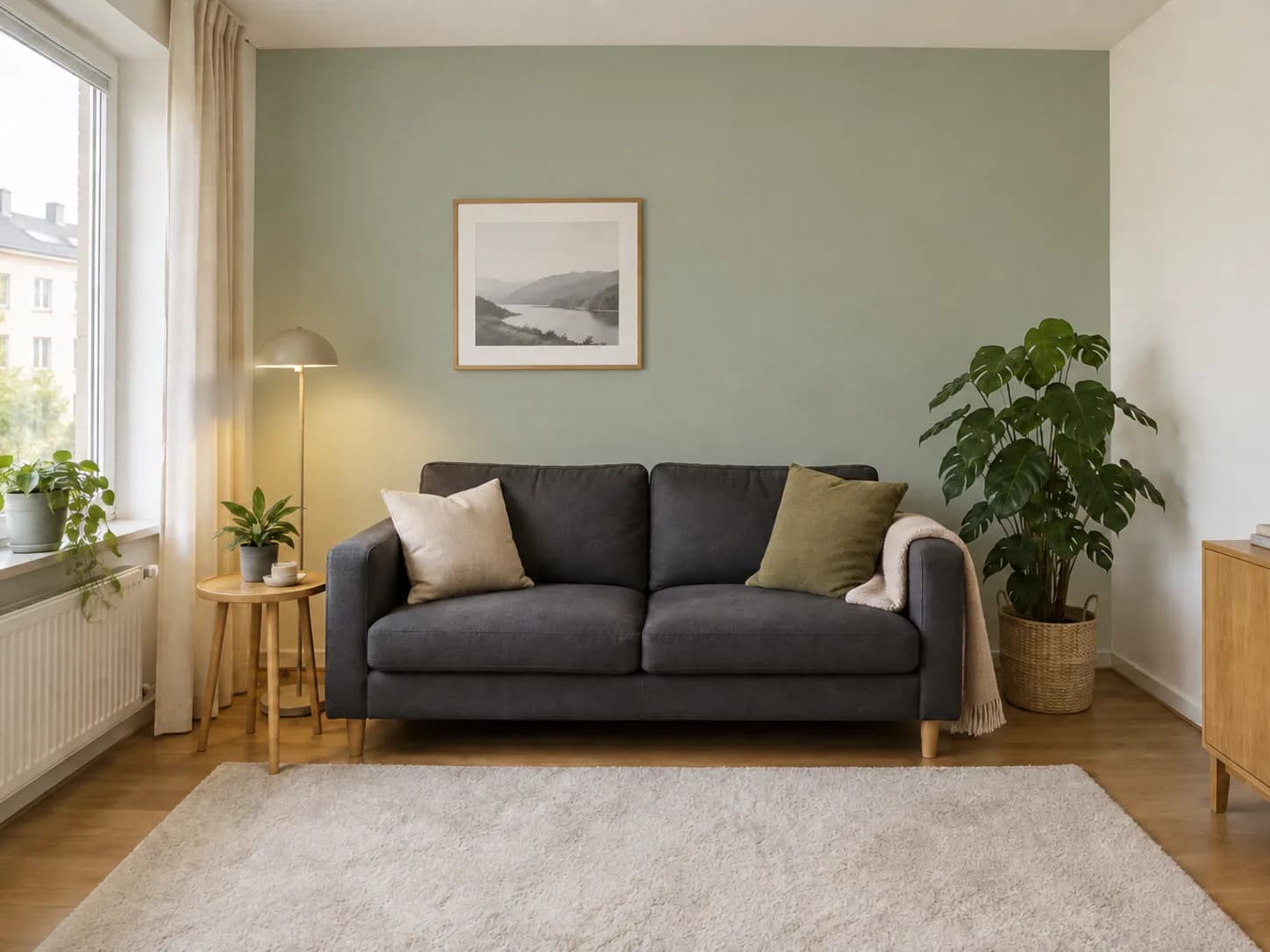
Realistic visualisation after editing for AI wall colour visualizer
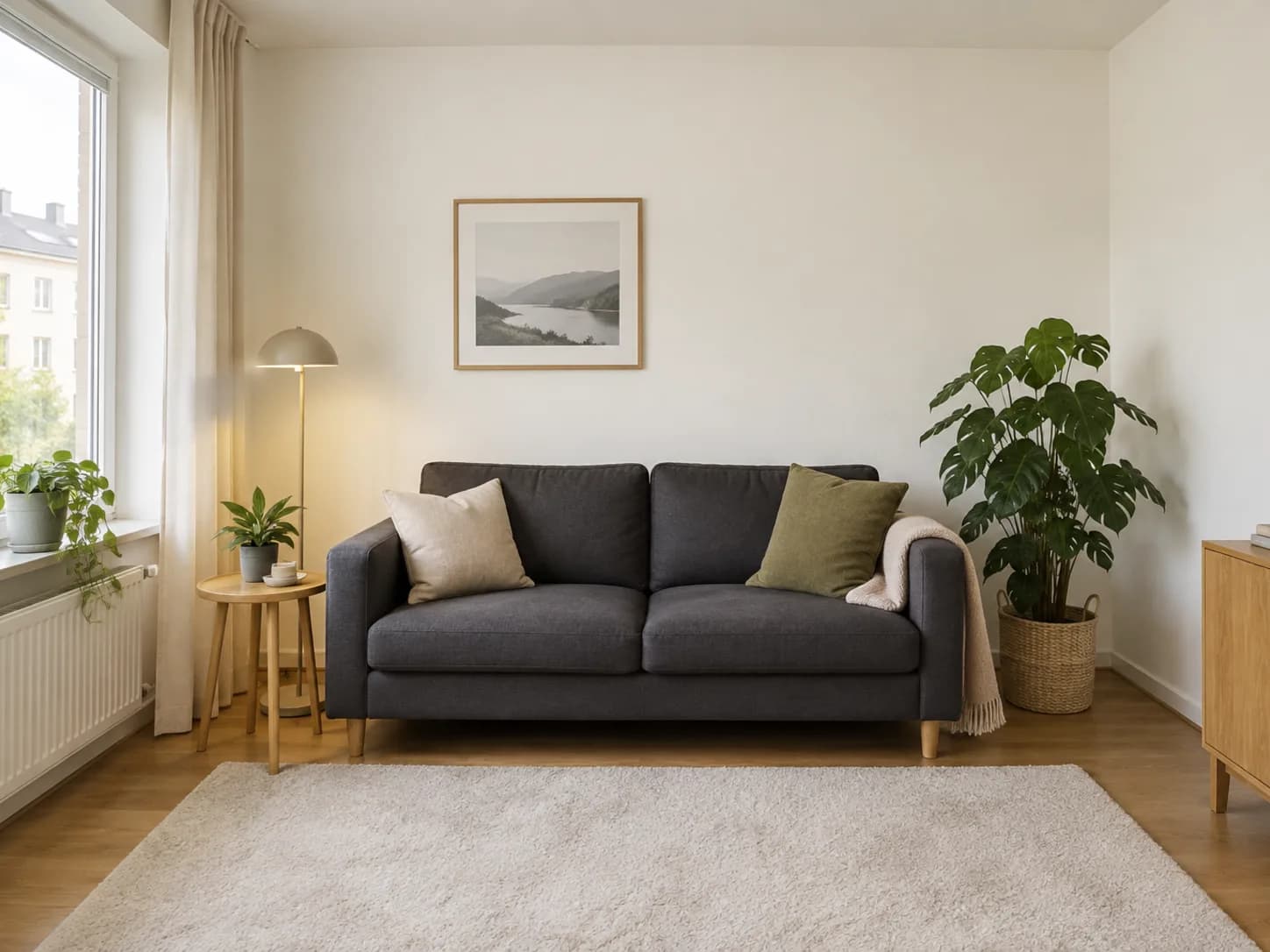
Original photo before editing for AI wall colour visualizer
BeforeAfter

Zunik AI

Try your own idea

Upload your image and describe the change. You can review everything before creating it.

Choose an image or drop it here

JPG, PNG or WebP · up to 20 MB

3 free credits · no card required

Ideas for your image

Ideas for your image

Use a template as a starting point or describe freely what you want to change.

01

Natural

A believable result with restrained details.

“Style: natural and restrained. Apply the requested change as a believable variation. Paint only the large wall behind the charcoal sofa a muted sage green. Keep furniture, artwork, plants, floor, side walls and daylight unchanged.”

02

Modern

Clean lines and a contemporary look.

“Style: modern and clean. Apply the requested change in a practical, realistic way. Paint only the large wall behind the charcoal sofa a muted sage green. Keep furniture, artwork, plants, floor, side walls and daylight unchanged.”

03

Warm

Inviting colours and soft natural light.

“Style: warm and inviting. Use believable materials and soft natural light. Paint only the large wall behind the charcoal sofa a muted sage green. Keep furniture, artwork, plants, floor, side walls and daylight unchanged.”

How your Zun is made

How your Zun is made

  1. 01

    Upload an image

    Choose a well-lit photo taken from a clear perspective.

  2. 02

    Describe your idea

    Use everyday language to explain how the result should look.

  3. 03

    Start your Zun

    After sign-in, your image and prompt are prefilled. Review them and start when ready.

Make your idea visible

Start with 3 free credits and your own image.

Try it for free
AI wall colour visualizer · Zunik AI