Stage a living room
Well-proportioned and inviting for the listing.
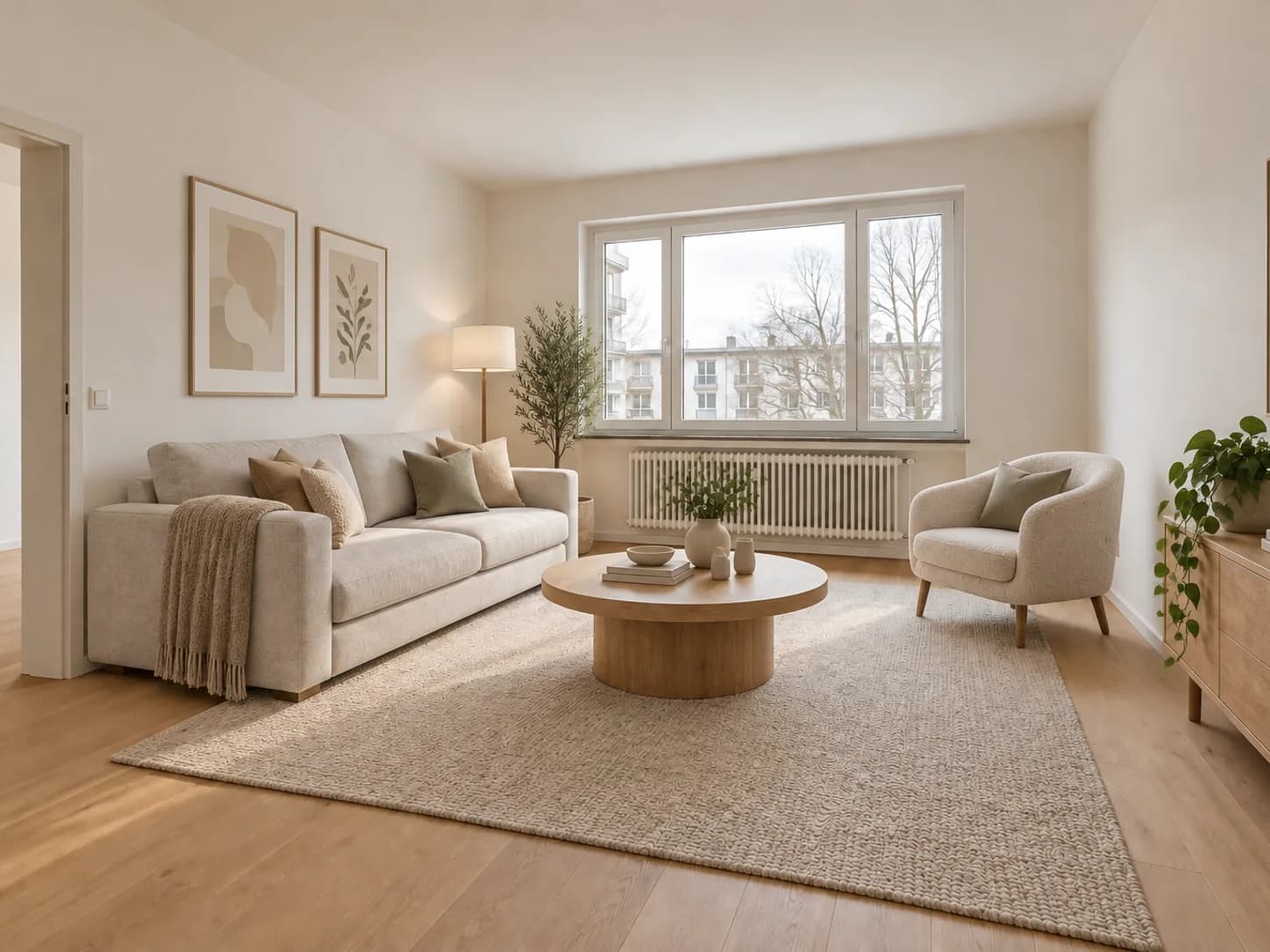
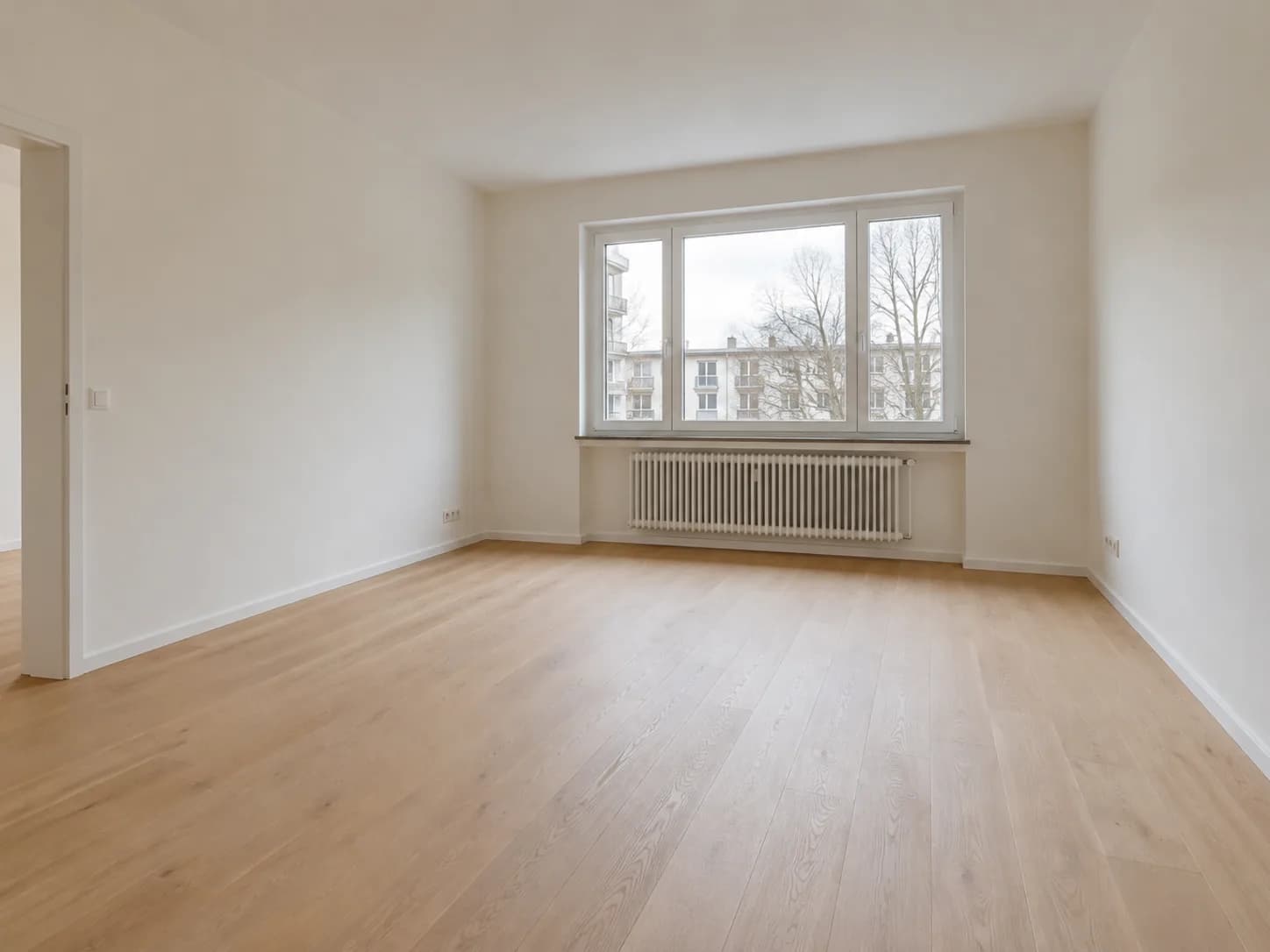
“Stage the empty room as a bright modern living room with sofa, rug, coffee table and restrained decor. Keep room shape, windows, doors, floor and perspective unchanged.”
Present property photos at their best
Furnish an empty room digitally to communicate scale, use and potential in a credible property listing.
Zunik AI
Upload your image and describe the change. You can review everything before creating it.
Choose an image or drop it here
JPG, PNG or WebP · up to 20 MB
3 free credits · no card required
Ideas for your image
Use a template as a starting point or describe freely what you want to change.
Well-proportioned and inviting for the listing.
“Stage the empty room as a bright modern living room with sofa, rug, coffee table and restrained decor. Keep room shape, windows, doors, floor and perspective unchanged.”
A calm layout with realistic scale.
“Stage the empty room as a calm bedroom with a correctly sized bed, bedside tables, lamps and a few textiles. Use realistic proportions and preserve every architectural element.”
Functional and believable for smaller rooms.
“Stage the empty room as a functional home office with desk, ergonomic chair, storage and warm task lighting. Keep the architecture and perspective exactly unchanged.”
How your Zun is made
Choose a well-lit photo taken from a clear perspective.
Use everyday language to explain how the result should look.
After sign-in, your image and prompt are prefilled. Review them and start when ready.