Studio background
Clean and consistent for vehicle marketplaces.
“Place the vehicle on a bright neutral studio background with a natural ground shadow. Keep the car, paint, wheels, windows, plate area and condition exactly unchanged.”
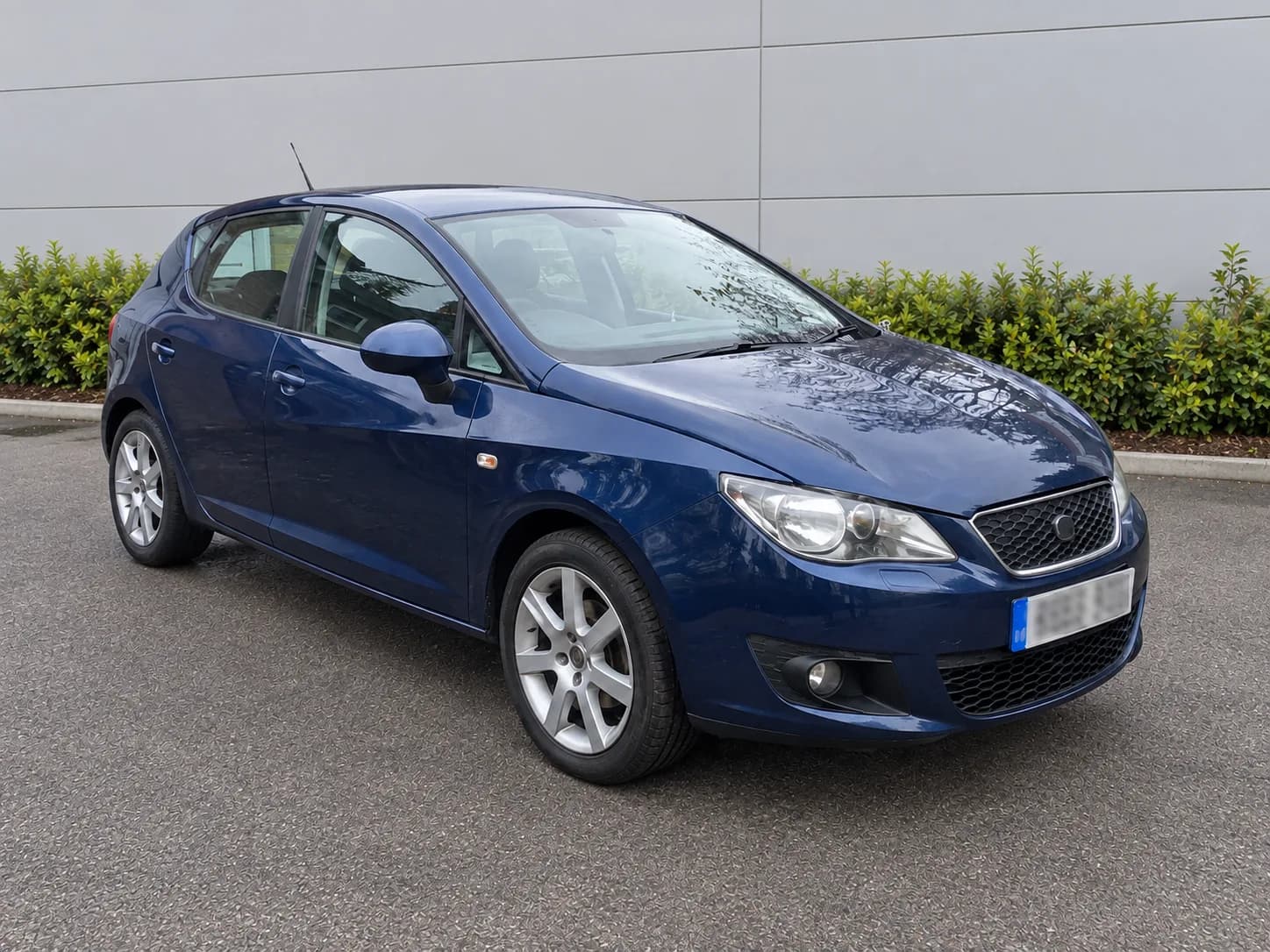
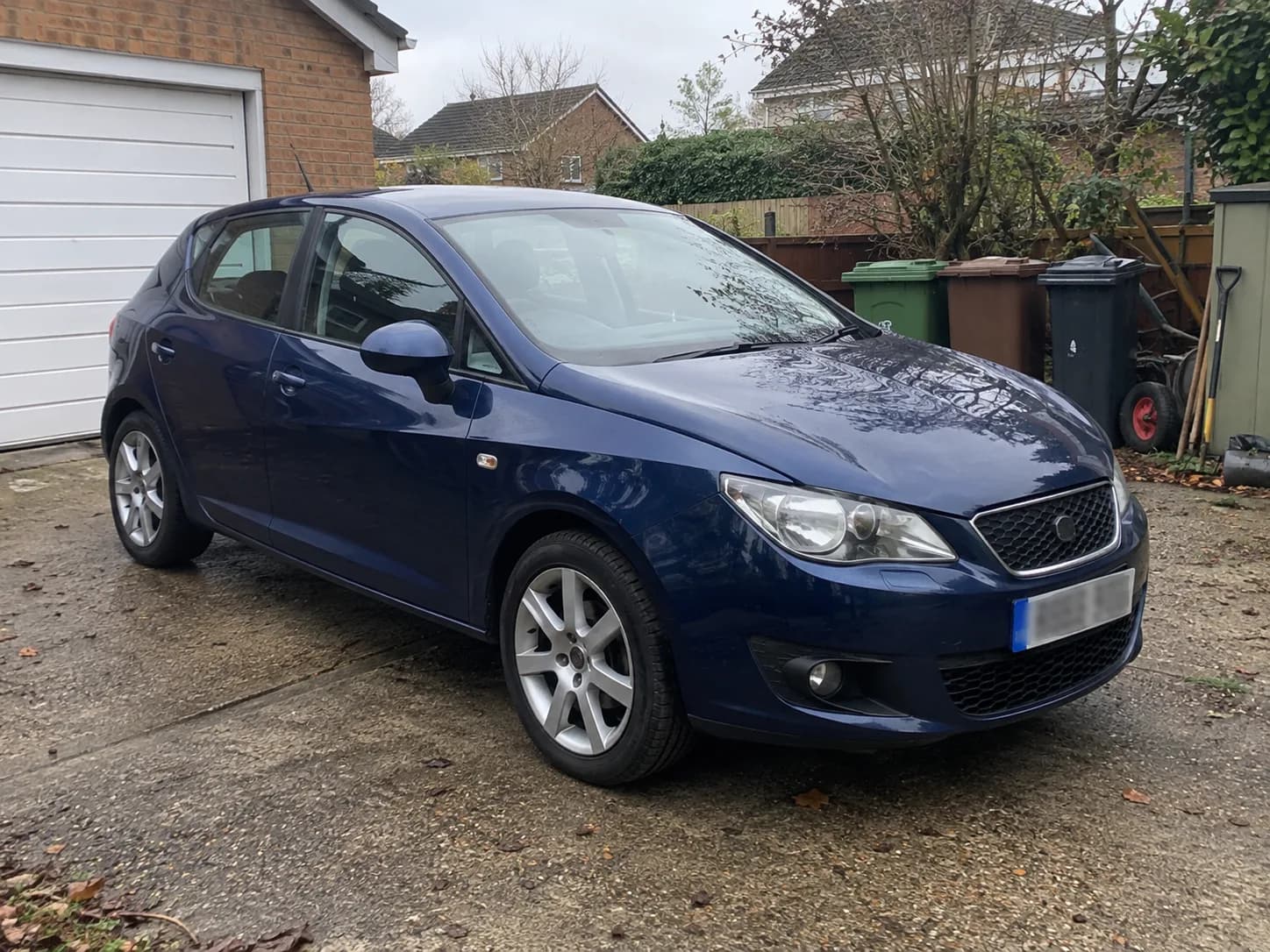
Show vehicles clearly and professionally
Remove visual distractions and improve light and setting without misrepresenting paint, damage or equipment.
Zunik AI
Upload your image and describe the change. You can review everything before creating it.
Choose an image or drop it here
JPG, PNG or WebP · up to 20 MB
3 free credits · no card required
Ideas for your image
Use a template as a starting point or describe freely what you want to change.
Clean and consistent for vehicle marketplaces.
“Place the vehicle on a bright neutral studio background with a natural ground shadow. Keep the car, paint, wheels, windows, plate area and condition exactly unchanged.”
A professional showroom without distractions.
“Replace the cluttered car park with a modern believable dealership showroom in soft daylight. Preserve perspective and every visible vehicle detail.”
Naturally enhanced without hiding defects.
“Improve exposure, white balance, sharpness and background calm for a credible private vehicle listing. Do not alter condition, scratches, dents or equipment.”
How your Zun is made
Choose a well-lit photo taken from a clear perspective.
Use everyday language to explain how the result should look.
After sign-in, your image and prompt are prefilled. Review them and start when ready.