zunikAI

Visualise a business space before fitting it out

Design a café storefront with AI

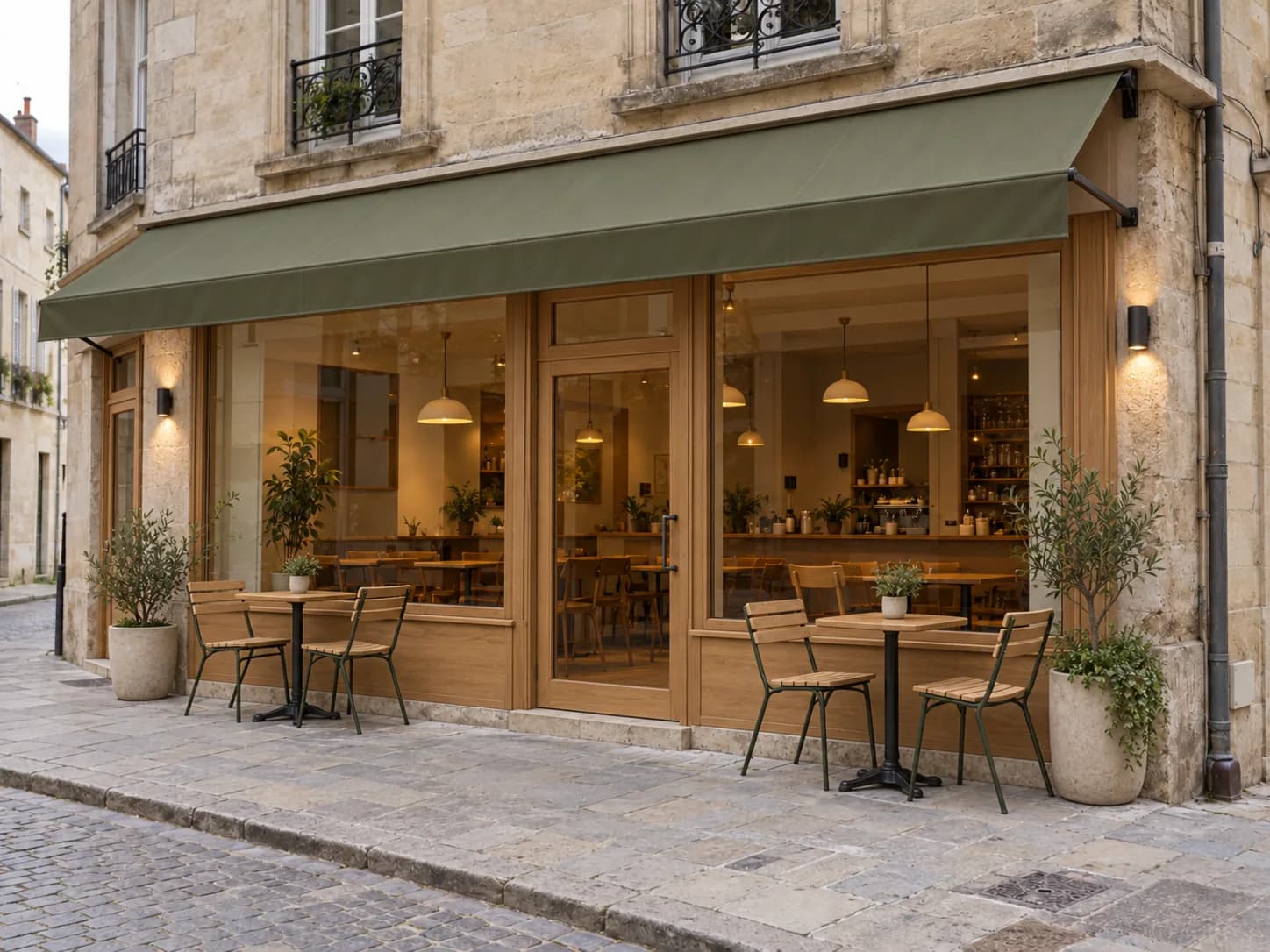
Compare an awning, frames, exterior lighting and limited seating on the real café frontage while keeping access and pavement realistic.

Try it3 free credits · no card required
Realistic visualisation after editing for Design a café storefront with AI
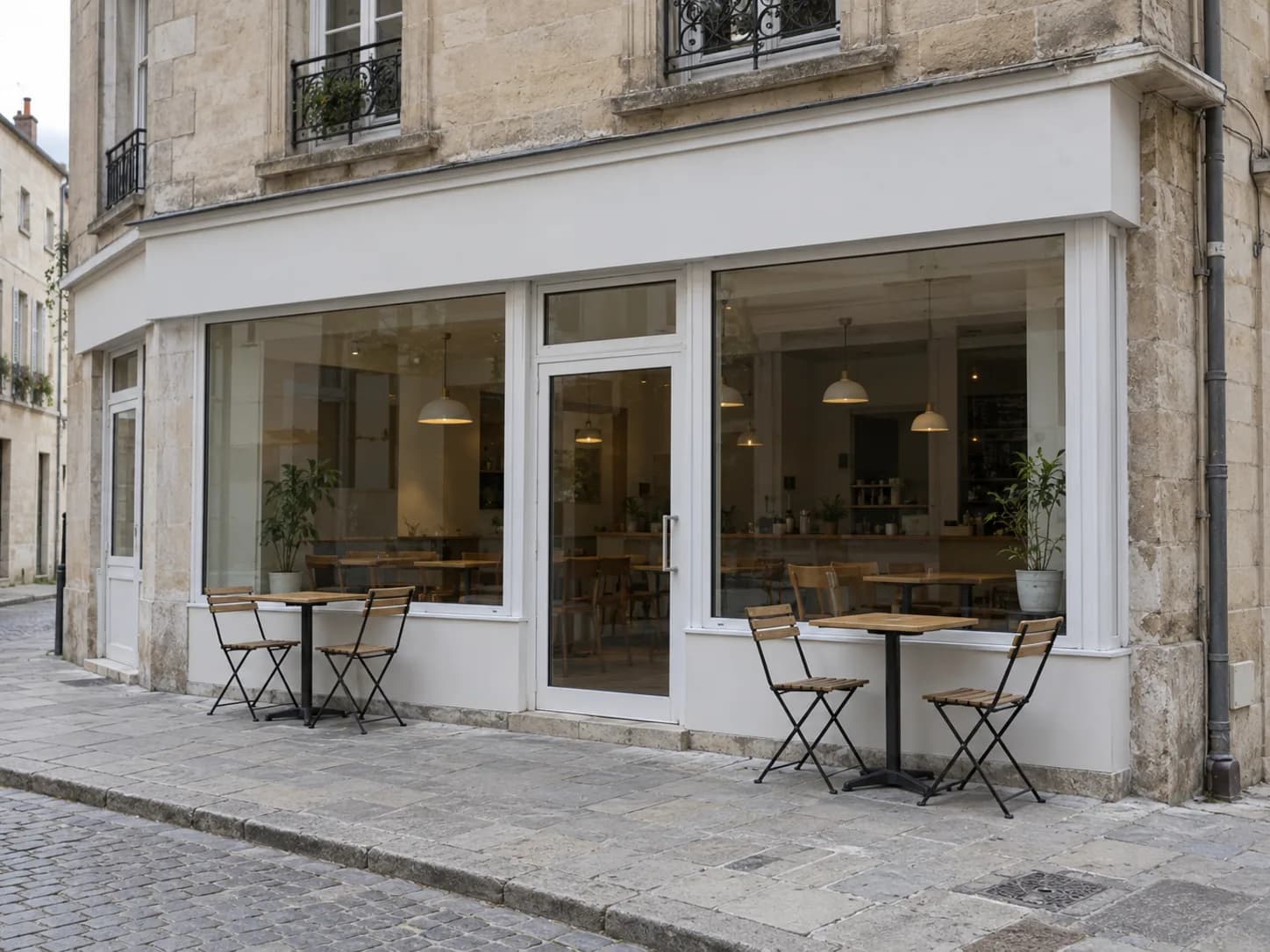
Original photo before editing for Design a café storefront with AI
BeforeAfter

Zunik AI

Try your own idea

Upload your image and describe the change. You can review everything before creating it.

Choose an image or drop it here

JPG, PNG or WebP · up to 20 MB

3 free credits · no card required

Ideas for your image

Ideas for your image

Use a template as a starting point or describe freely what you want to change.

01

Another prompt to try

Adapt this example to your own subject.

“Redesign the existing café frontage with an unbranded olive-green awning, warm timber trim, subtle wall lights, two small tables and restrained planters. Keep the building, windows, door, pavement and access unchanged.”

02

Modern

Clean lines and a contemporary look.

“Style: modern and clean. Apply the requested change in a practical, realistic way. Redesign the existing café frontage with an unbranded olive-green awning, warm timber trim, subtle wall lights, two small tables and restrained planters. Keep the building, windows, door, pavement and access unchanged.”

03

Warm

Inviting colours and soft natural light.

“Style: warm and inviting. Use believable materials and soft natural light. Redesign the existing café frontage with an unbranded olive-green awning, warm timber trim, subtle wall lights, two small tables and restrained planters. Keep the building, windows, door, pavement and access unchanged.”

How your Zun is made

How your Zun is made

  1. 01

    Upload an image

    Choose a well-lit photo taken from a clear perspective.

  2. 02

    Describe your idea

    Use everyday language to explain how the result should look.

  3. 03

    Start your Zun

    After sign-in, your image and prompt are prefilled. Review them and start when ready.

Prepare your idea with a clear goal

What do I need to get started?

Photograph the complete storefront as straight-on as possible in even daylight. Keep the windows, entrance, sign area and some pavement visible and unobstructed by vehicles or people.

What should I check in the result?

Check that windows, doors, facade, scale and perspective match the original. Verify all lettering and logos separately. The result is a design concept, not a construction or production drawing.

What does trying it cost?

New accounts receive 3 free credits. Credit use depends on the selected function and quality and is shown before you start. See the pricing page for additional credits and subscriptions.

View pricing and credits

Make your idea visible

Start with 3 free credits and your own image.

Try it for free
Design a café storefront with AI · Zunik AI